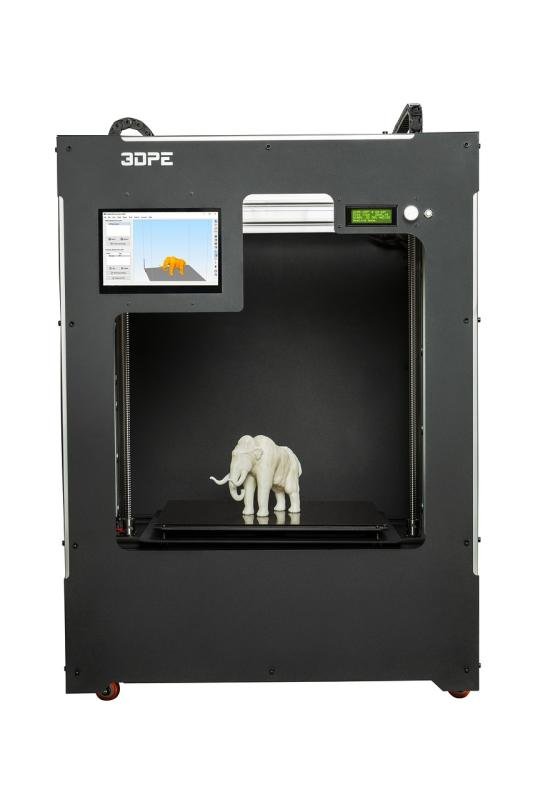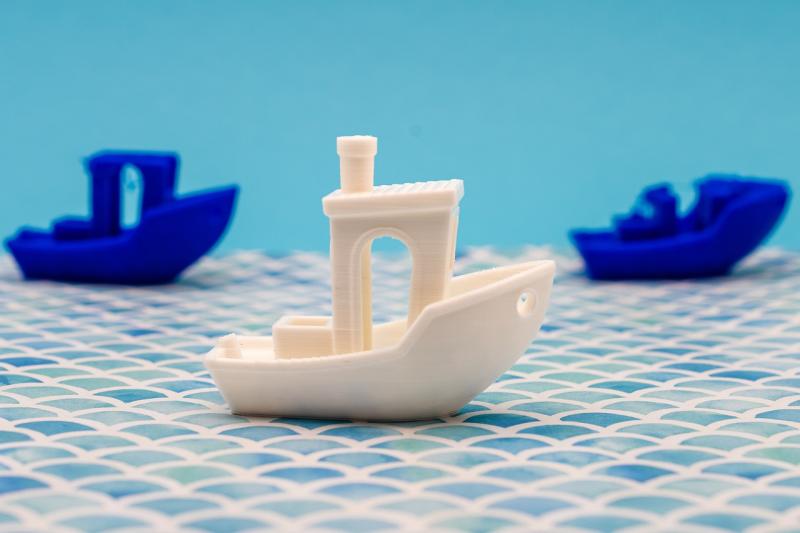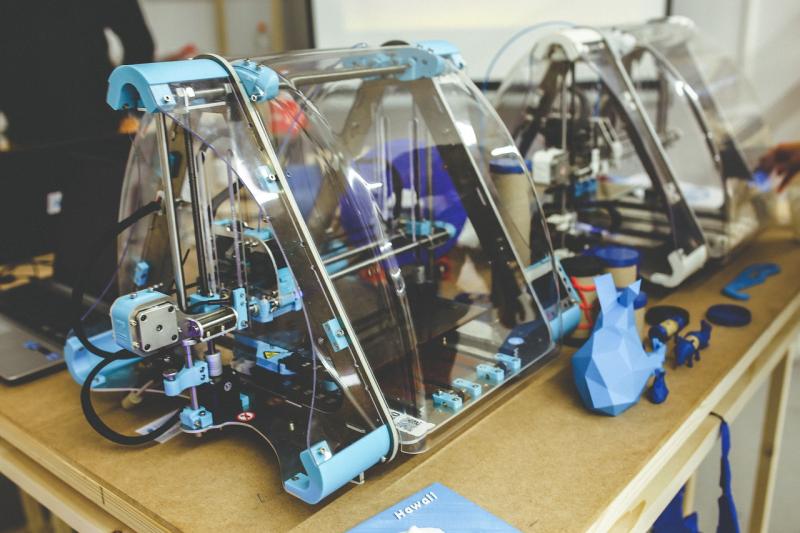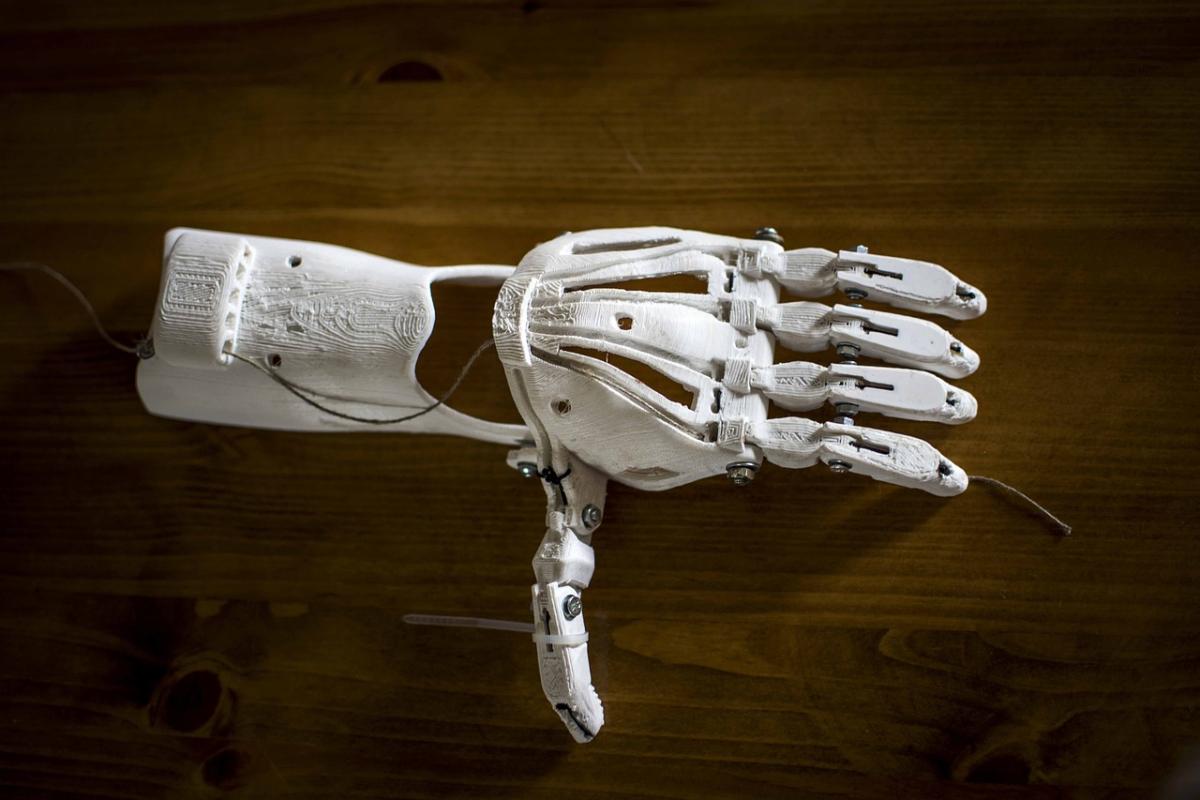
3D printing isn’t just a techy hobby; it’s a fantastic way to bring your wildest ideas to life. Imagine crafting unique toys, custom phone cases, or cool home decor that’s all your own. With a 3D printer, you’ve got the power to create whatever you can dream up.
Getting started is super easy. You can find countless designs online or whip up something from scratch if you're feeling adventurous. Lots of user-friendly software options let you sketch, modify, or even scan existing objects. If you're worried about your skills, don’t be! There are plenty of tutorials out there, and the community is filled with helpful folks ready to share tips.
Plus, 3D printing empowers you to solve problems creatively. Stuck without a tool? Print one! Need a replacement for that broken piece? You can make it in no time. The flexibility of 3D printing means you can experiment and innovate like never before. Every print is a chance to learn something new and get better.
Don’t forget about the joy of making gifts. A personalized item scores major points, whether it’s a custom keychain or a unique piece of art. Friends and family will love getting something that’s made just for them. You’ll have fun designing it, and it’ll mean a lot to them.
Simple Steps to Get Started
Getting started with your 3D printer is easier than you might think! Follow these simple steps to dive into your printing adventure.
First off, unbox your printer and make sure you have everything you need. Check for the 3D printer itself, any included accessories, and your filament. Don’t forget the power cord and user manual. You want to be sure nothing’s missing before you dive in.
Next, set up your printer. Find a sturdy, flat surface where it can stay put while you print. Plug it in, and get it connected to your computer or Wi-Fi, depending on your printer model. Each printer might have slightly different setup steps, so refer to that manual for specific instructions.
Now, it’s time to choose your design! You can find tons of free or paid 3D models online. Websites like Thingiverse or MyMiniFactory have a treasure trove of designs to explore. Just pick one that catches your eye, download the file, and load it into your 3D printing software.
Finally, slice your model! This means converting the 3D file into a format your printer can understand. Your slicing software will let you choose settings like layer height and infill density, which can affect the quality and strength of your print. Hit that print button and watch the magic happen!
Top Projects for Beginners
Getting started with 3D printing can be super exciting, but sometimes it’s tough to know where to dive in. Here are some top projects that are perfect for beginners and will help you build your skills while having loads of fun.
1. Customized Phone Case
A phone case is a fantastic beginner project. You can design it to reflect your personality, show off your favorite colors, or even add a special design. Plus, it’s practical! Protecting your phone while also being unique is a win-win.
2. Fun Keychains
Keychains are quick to print and a great way to try out different designs. You can create simple shapes, your initials, or even fun figures. They also make for awesome gifts, so you can share your 3D printing skills with friends!
3. Planters for Small Plants
If you’ve got a green thumb or just want to add a little life to your space, printing small planters can be a great project. You can personalize the size and shape to fit your favorite little plants. Plus, adding drainage holes is a breeze!
4. Puzzle Pieces
Creating custom puzzle pieces is not just a fun challenge but also a way to get creative. You can design pieces that connect in unique ways and even create a complete puzzle. Test your own designs and challenge friends to see who can complete them faster.
Tips for Achieving Great Prints
Getting the best prints from your 3D printer can feel like a bit of a challenge at times, but I've got some tips that can really help out. First off, always level that print bed! A well-leveled bed is key to getting a great adhesive start. If it’s uneven, your prints might not stick or could end up shifting around.
Next, pay attention to your material. Different filaments behave differently. If you're using PLA, for example, it usually prints well at lower temperatures. Try starting around 190°C to 210°C. Experiment a little to find the sweet spot for your specific filament.
Don’t skip out on settings either! Depending on what you're printing, you might want to adjust the layer height. Thinner layers might take longer, but they can give you that extra level of detail. For most parts, a layer height of 0.2mm works just fine, but if you want finer details, try 0.1mm.
Cooling is another biggie. Make sure your cooling fans are working properly. A well-cooling print can prevent warping and stringing, especially with materials like PLA. If you're having trouble, consider adding a cooling fan if your printer doesn’t have one built-in.
Finally, don’t be afraid to troubleshoot! If something goes wrong, take a step back, analyze, and adjust. Check for clogs in the nozzle, watch for warps, and keep an eye on bed adhesion. With a little patience, you’ll be printing like a pro in no time!