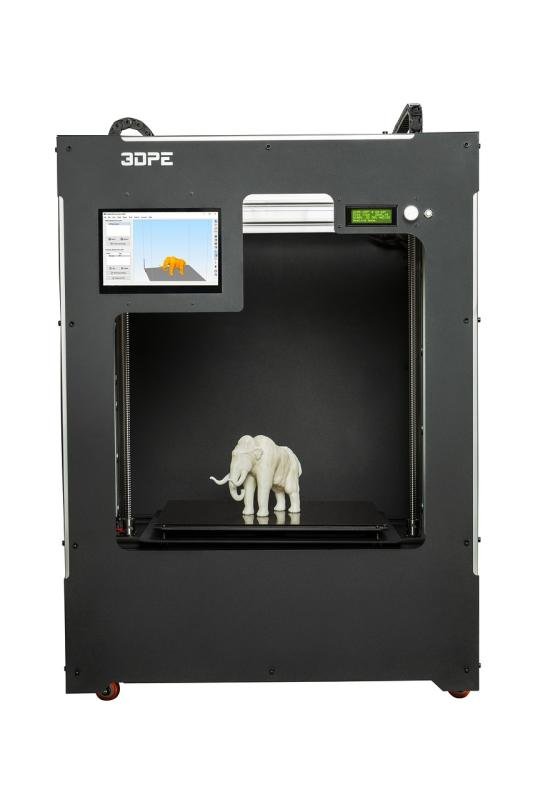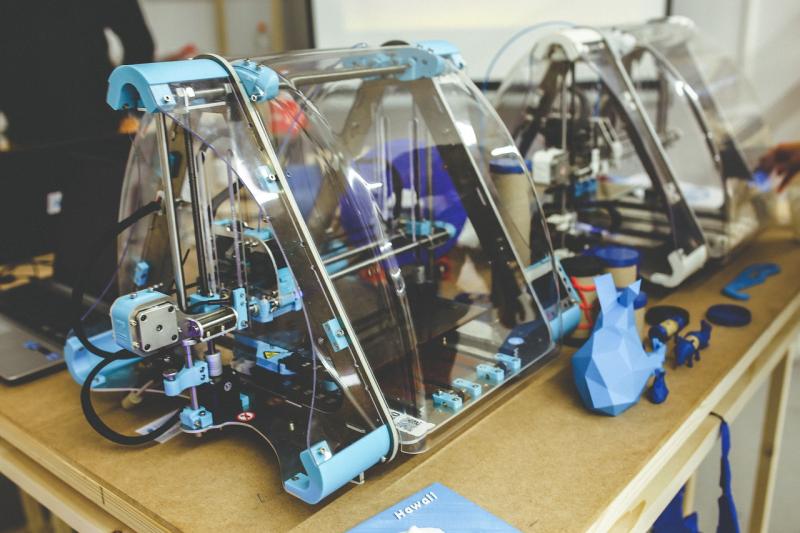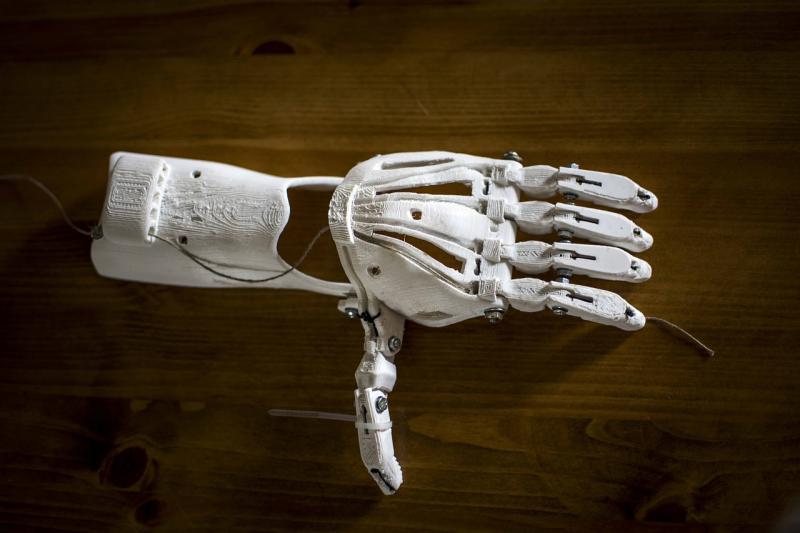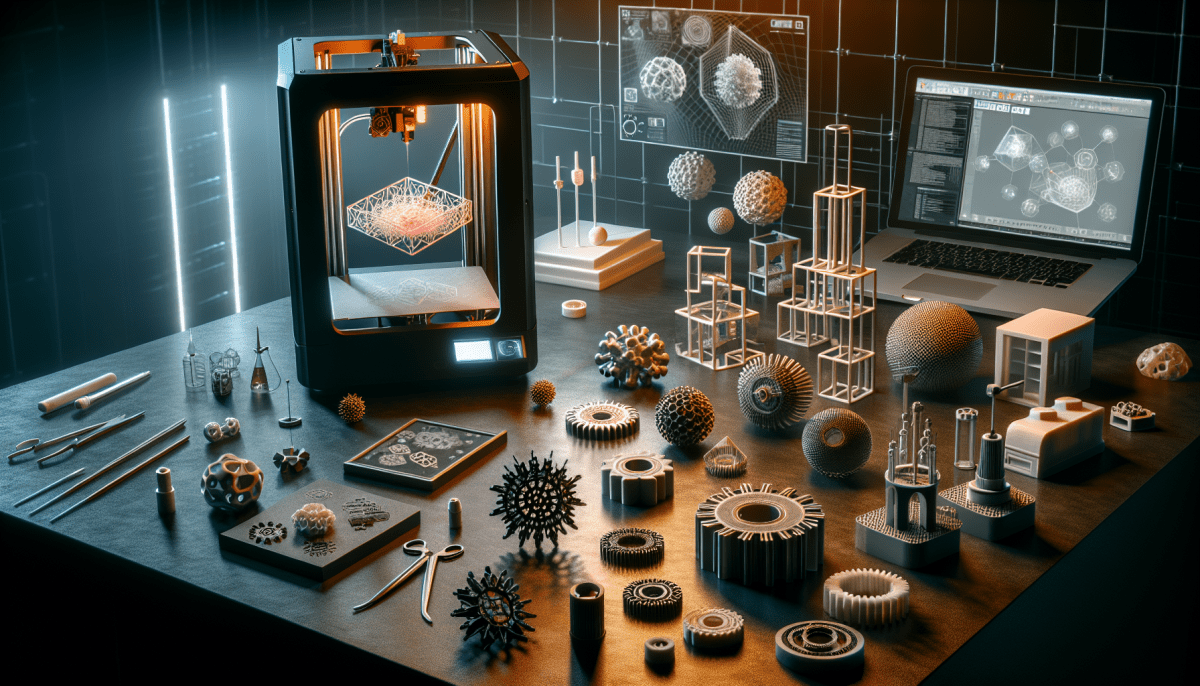
Jumping into 3D printing can feel a bit overwhelming, but it doesn’t have to be! Let’s break it down and get you started on this exciting journey. First things first, you need a good printer. Look for something user-friendly and reliable. Popular options like the Creality Ender 3 or the Anycubic i3 Mega are great choices for beginners. They’re affordable and have plenty of online support.
Once you’ve got your printer, it’s time to dive into slicing software. This is where you’ll prepare your 3D models for printing. Software like Ultimaker Cura or PrusaSlicer is super intuitive, even for newbies. You’ll upload your design, adjust a few settings (like print speed and layer height), and hit ‘slice.’ Now you’re ready to send it to your printer!
Speaking of designs, you’ll need to find some awesome models to print. Websites like Thingiverse and MyMiniFactory have tons of free files you can download and print. Whether you want to create fun toys, useful tools, or personal decor, there’s something for everyone. Just make sure to check if the models are well-rated to avoid any hiccups.
Now let’s talk about materials. The most common filament is PLA, which is super easy to work with and great for beginners. It prints smoothly and doesn’t warp. If you’re feeling adventurous later on, you can explore other options like ABS or PETG, but starting with PLA keeps things simple.
Don’t forget, practice makes perfect! Your first prints might not be flawless, but don’t let that discourage you. Join online communities or forums where you can share questions and your prints. Everyone started somewhere, and you’ll get the hang of it before you know it!
Choosing Your First 3D Printer
Jumping into the world of 3D printing can feel a bit overwhelming, especially if it’s your first time. Don’t sweat it! Picking your first 3D printer can actually be pretty straightforward if you know what to look for.
First off, think about what you actually want to print. Are you into making cool toys, functional tools, or maybe prototyping designs? Different printers excel at different tasks, so knowing your end goal can help narrow down your options.
Next, consider your budget. 3D printers can range wildly in price. For beginners, sticking to a mid-range model is often best. Look for one that balances quality with affordability, so you don’t end up spending a fortune. Brands like Creality and Prusa have solid options that many beginners love.
Don’t forget about ease of use! Check if the printer you’re eyeing has features like automatic bed leveling and a user-friendly interface. It can make a world of difference when you’re just getting started. Read reviews to see what other beginners have experienced with setup and operation.
Lastly, look into the community around the printer. A good support network can be invaluable. Online forums and social media groups can provide tips, tricks, and advice that can save you a lot of trial and error. Plus, it’s nice to share your successes with fellow enthusiasts!
Essential Supplies You’ll Need
Getting started with 3D printing is exciting, but you need a few essential supplies to make the most out of your new hobby. Let’s break down what you'll need, so you can jump right in without any hiccups.
First up, you'll need filament. This is the material your printer uses to create objects. There are different types, like PLA, ABS, and PETG, each with their own pros and cons. PLA is a great choice for beginners because it's easy to work with and biodegradable. ABS offers durability and strength, but it can be a bit tougher to print with. Grab a couple of rolls in different colors to get started!
Next, consider a good quality print bed adhesive. This will help your prints stick to the bed during printing and make sure they don’t warp. Things like glue sticks or specialized sprays work well. A removable print surface can also take the hassle out of getting your prints off later.
Finally, don’t forget some handy tools. A pair of tweezers can help with tiny details, and a spatula is perfect for getting prints off the bed. A digital caliper is super useful for measuring your prints accurately, too. These little additions will make your 3D printing experience smoother and way more enjoyable.
Tips for Successful 3D Prints
Getting started with 3D printing can feel a bit overwhelming, but with a few handy tips, you’ll be churning out awesome prints in no time! First things first, always level your print bed. This step is crucial for a successful print. If the bed isn’t level, your prints can fail before you even start. Just take a few minutes to get it right, and you’ll save yourself a world of trouble.
Next up, don’t skip the slicing software. This is where you prepare your 3D model for printing. Familiarize yourself with the settings such as layer height, infill density, and print speed. Each of these factors can change the quality and strength of your print. A good rule of thumb is to start with recommended settings and adjust from there as you get more comfortable.
Remember to choose the right filament for your project. PLA is a great option for beginners because it's easy to work with and sticks well to the print bed. If you’re feeling adventurous, you can try ABS or PETG, but they come with their own challenges. Just make sure your printer can handle the material you pick.
Don’t forget to keep an eye on your print as it’s running. Sometimes things can go wrong, and catching issues early can save your print. Look for problems like warping or poor adhesion. If you see something off, it’s easier to intervene quickly rather than wait until it’s too late.
Finally, enjoy the process! 3D printing can be super rewarding but also requires some patience. Every print you do teaches you something new. So roll up your sleeves, experiment, and have fun turning your ideas into reality.